

// private beta access only · google, linkedin and meta ads
paid media management,
automated.
The SarrisBuilt platform does the routine work of managing your Google Ads: finding wasted spend, better keywords, held-back campaigns and ads that need work. You choose the fixes you want and apply them.
// built for agenciesin-house teamsfounders
[ What It Does ]
six jobs
// optimized.
Each run does the digging on one part of your Google Ads account, so nobody on your side spends the hours hunting for what to fix.
cuts wasted spend
Reads the searches that triggered your ads and suggests blocking the ones that do not match what you sell.
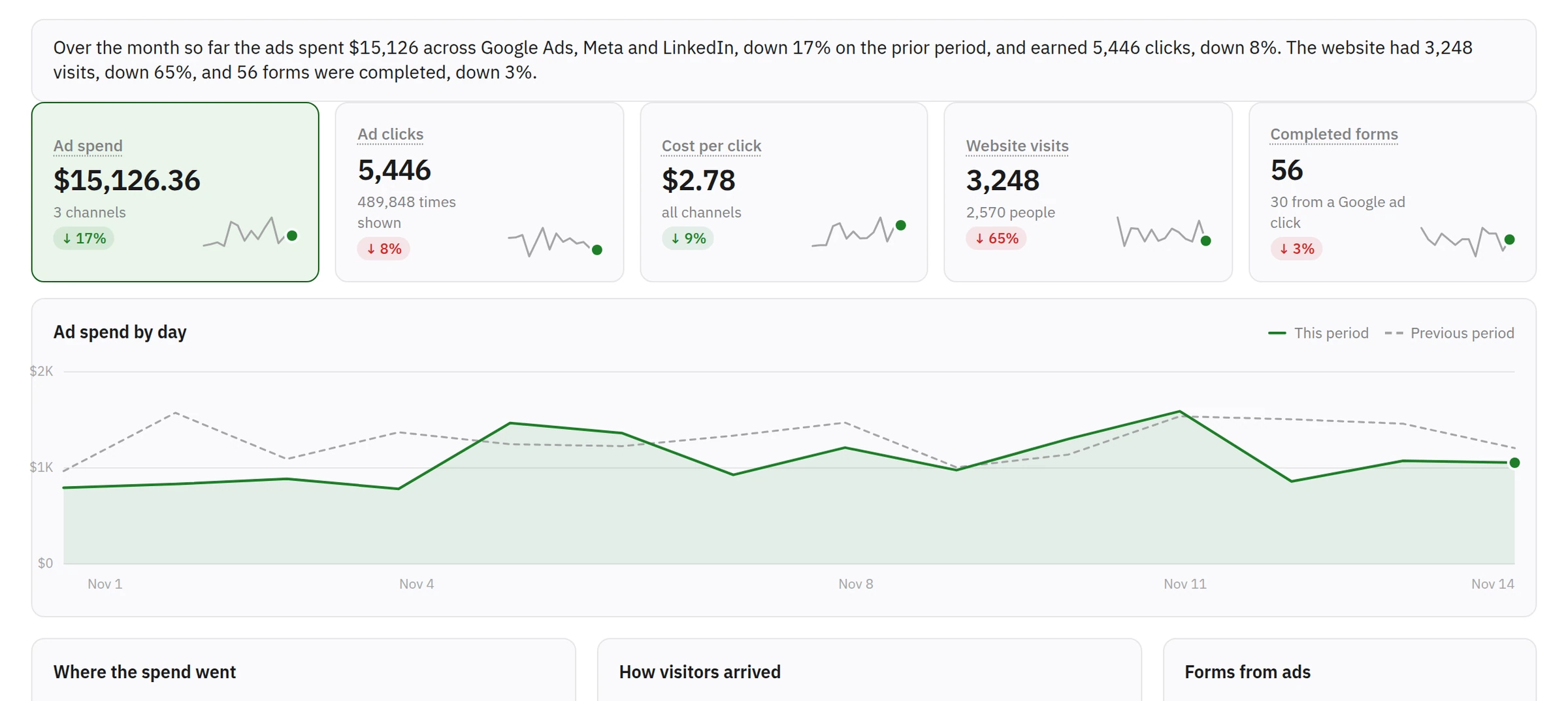
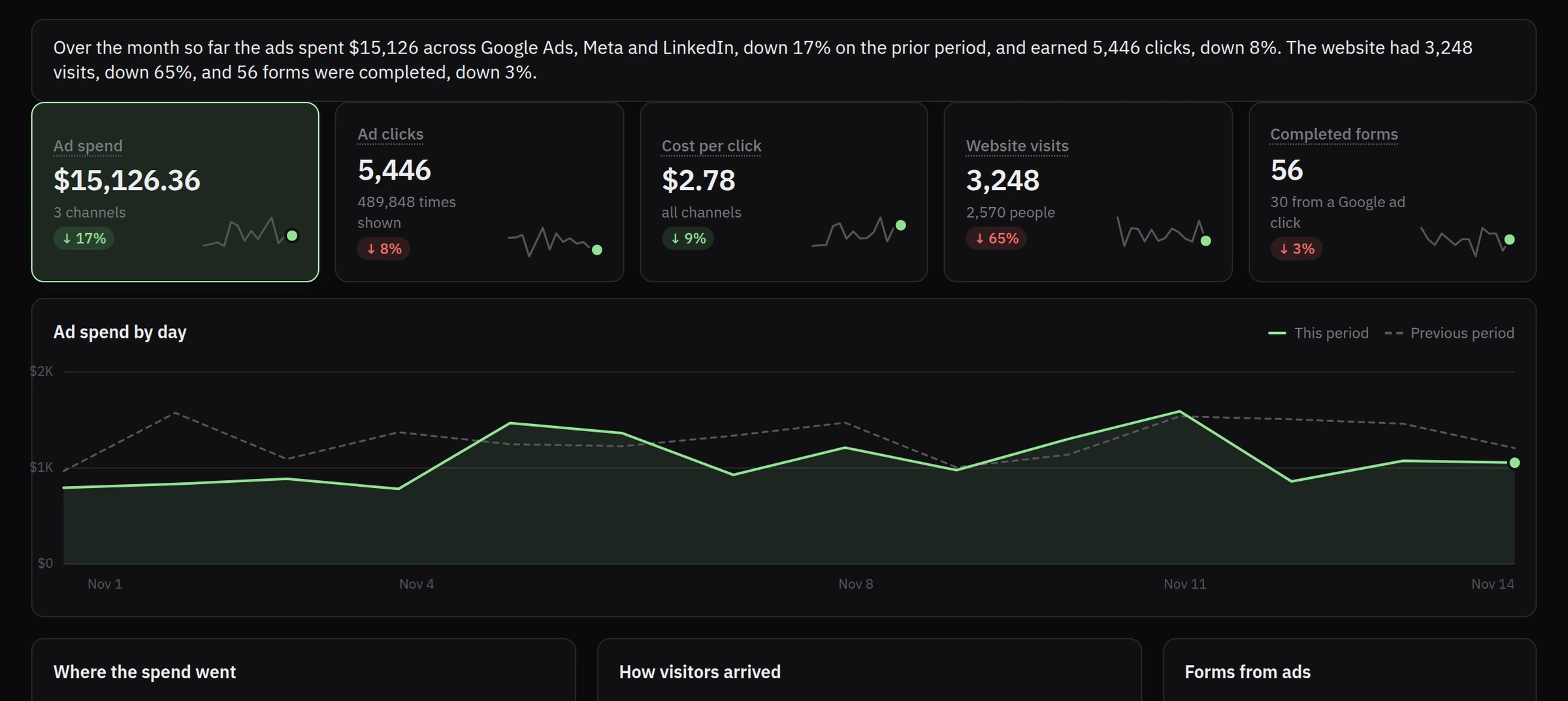
// the portal, on a fictional account
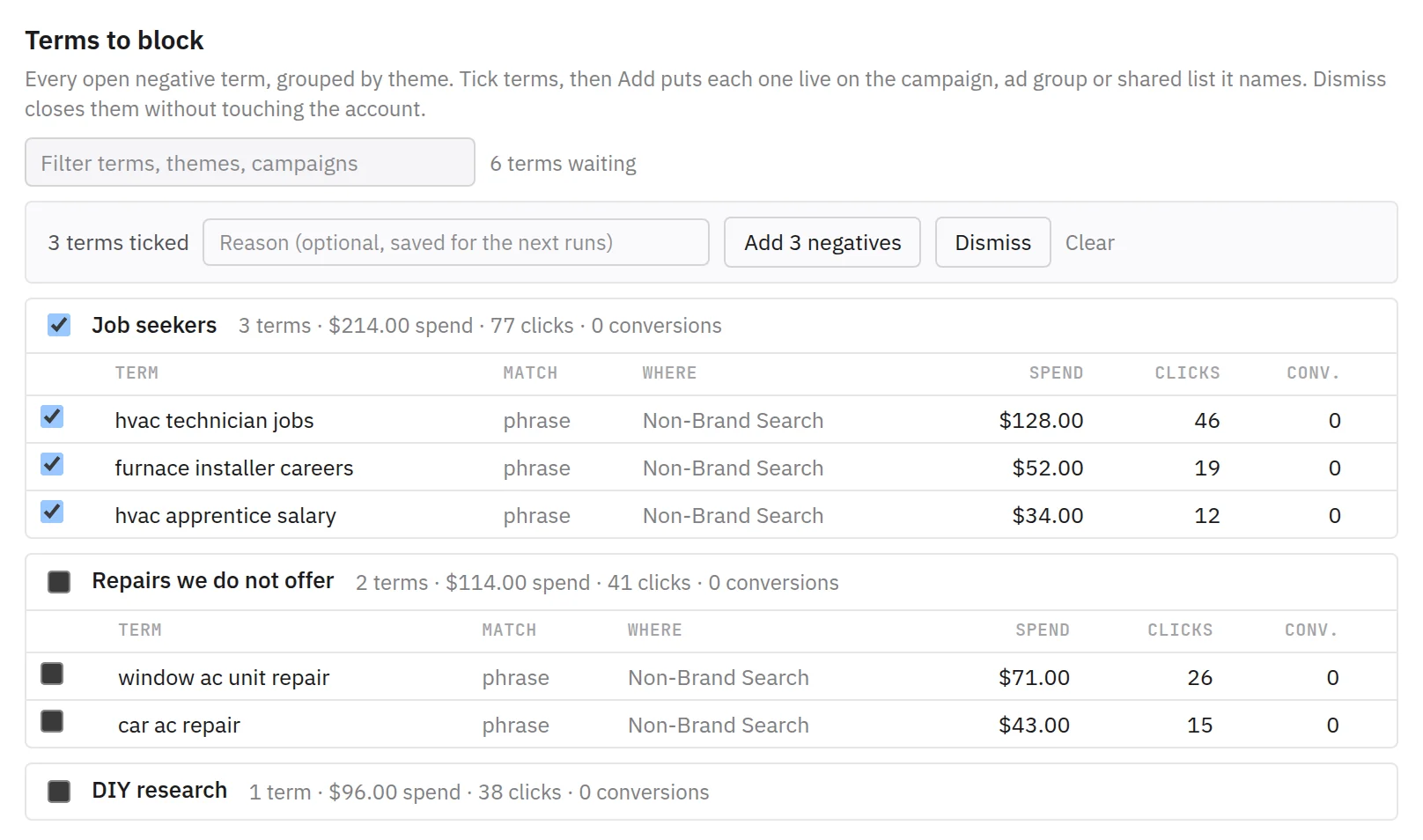
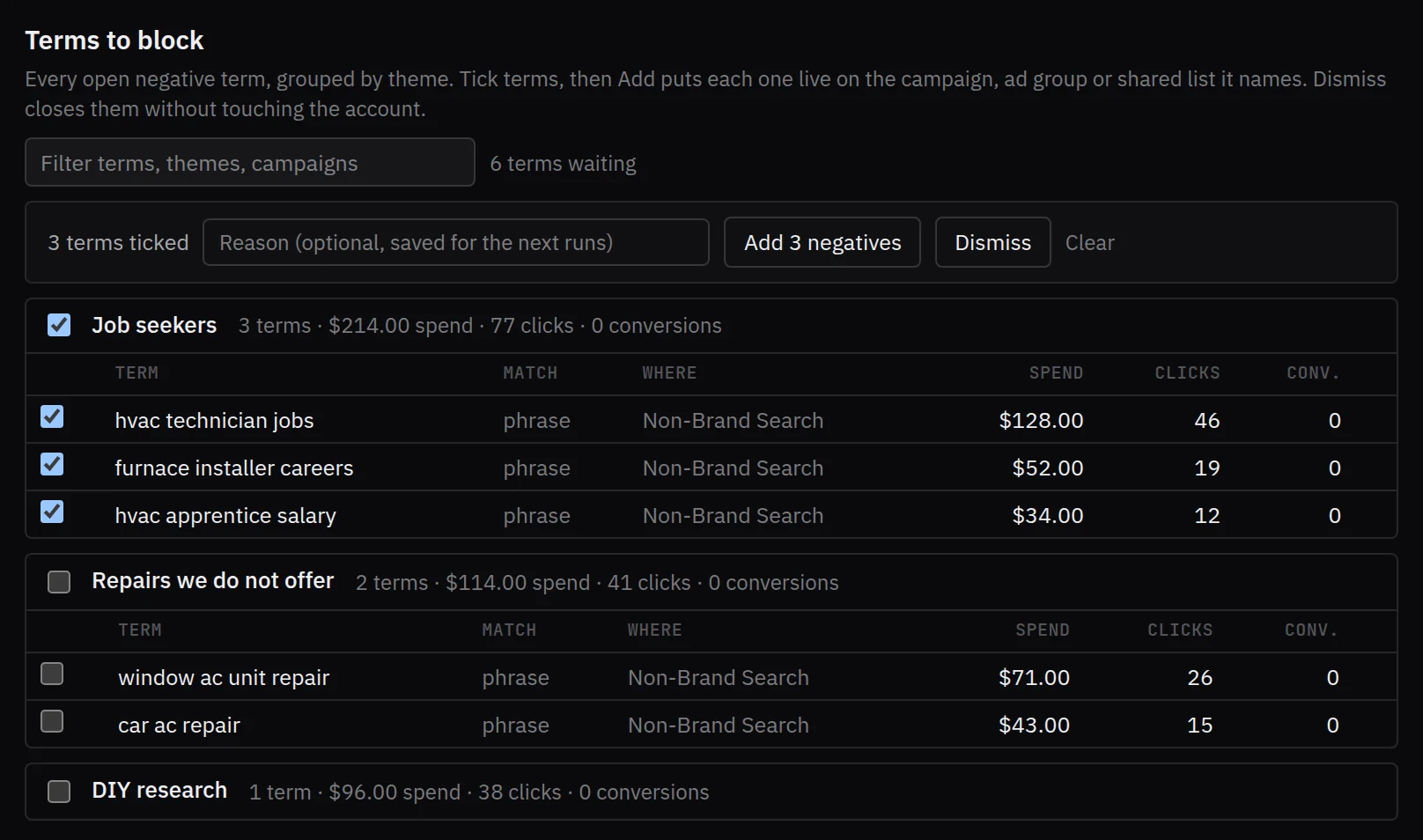
Less budget spent on clicks that were never going to buy.
finds better keywords
Suggests turning the searches that already lead to a sale or a lead into keywords, and pausing keywords that spend without either.
// the portal, on a fictional account
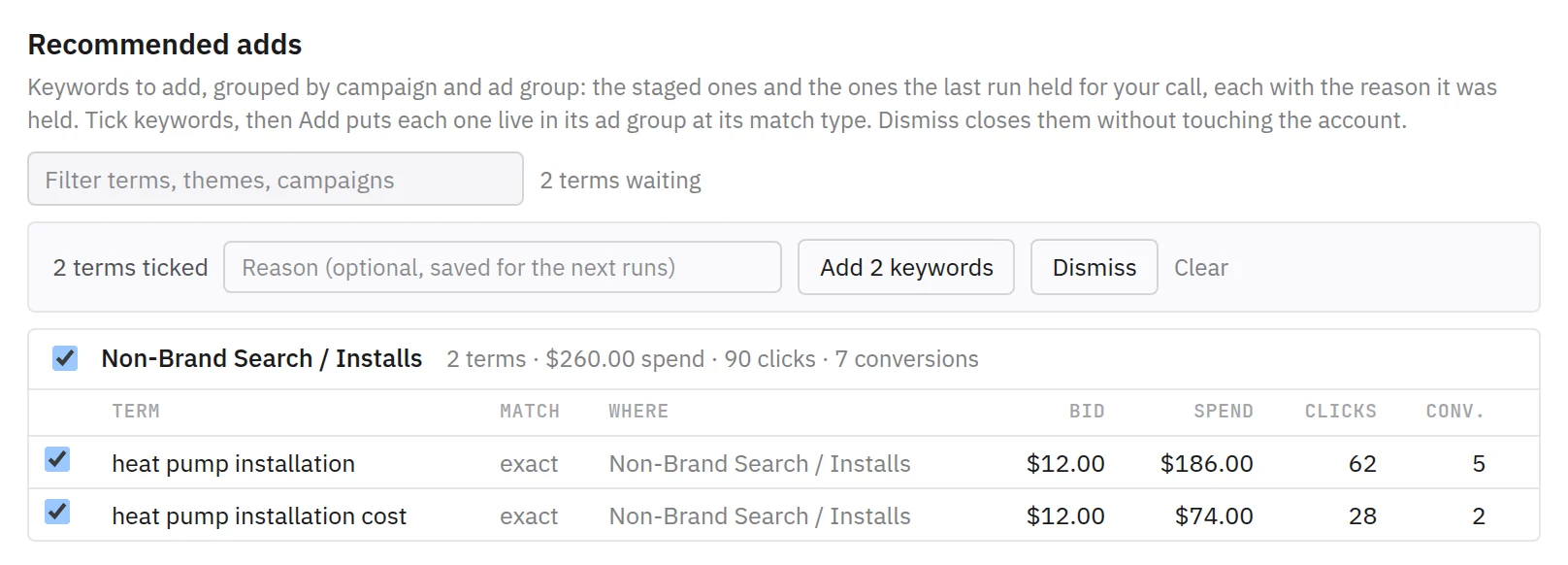
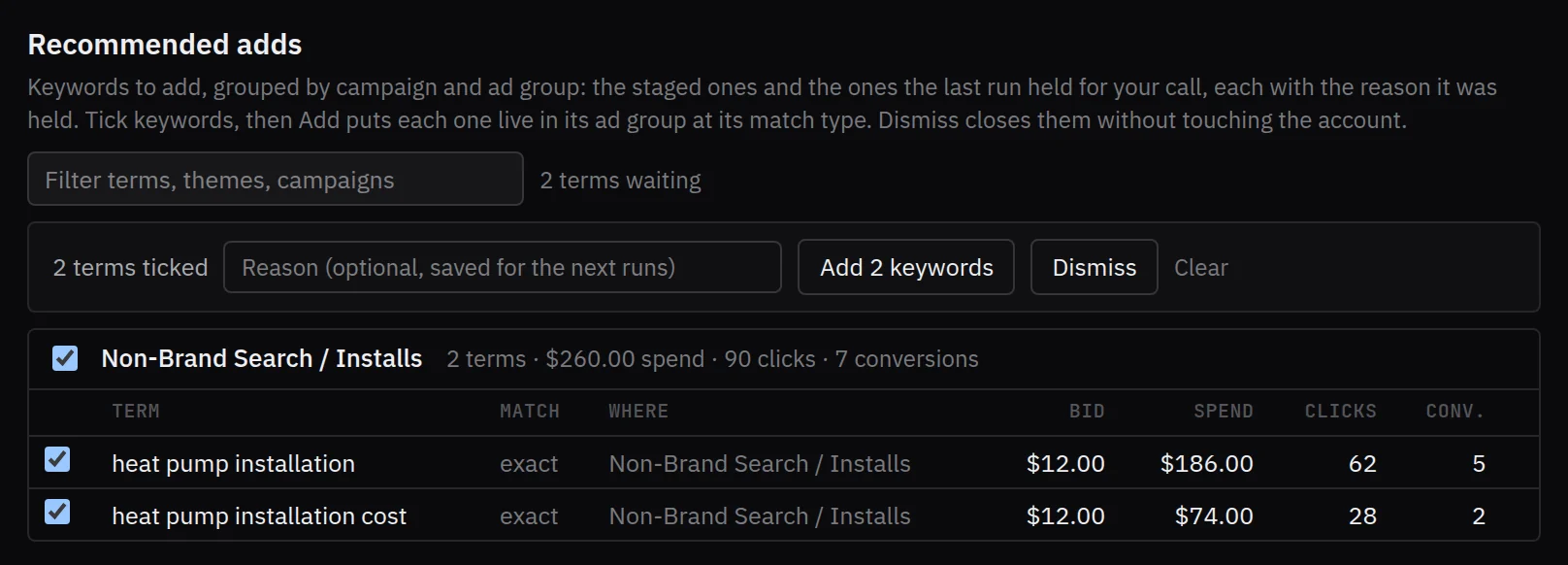
More of your budget goes to what already works.
spots campaigns ready to grow
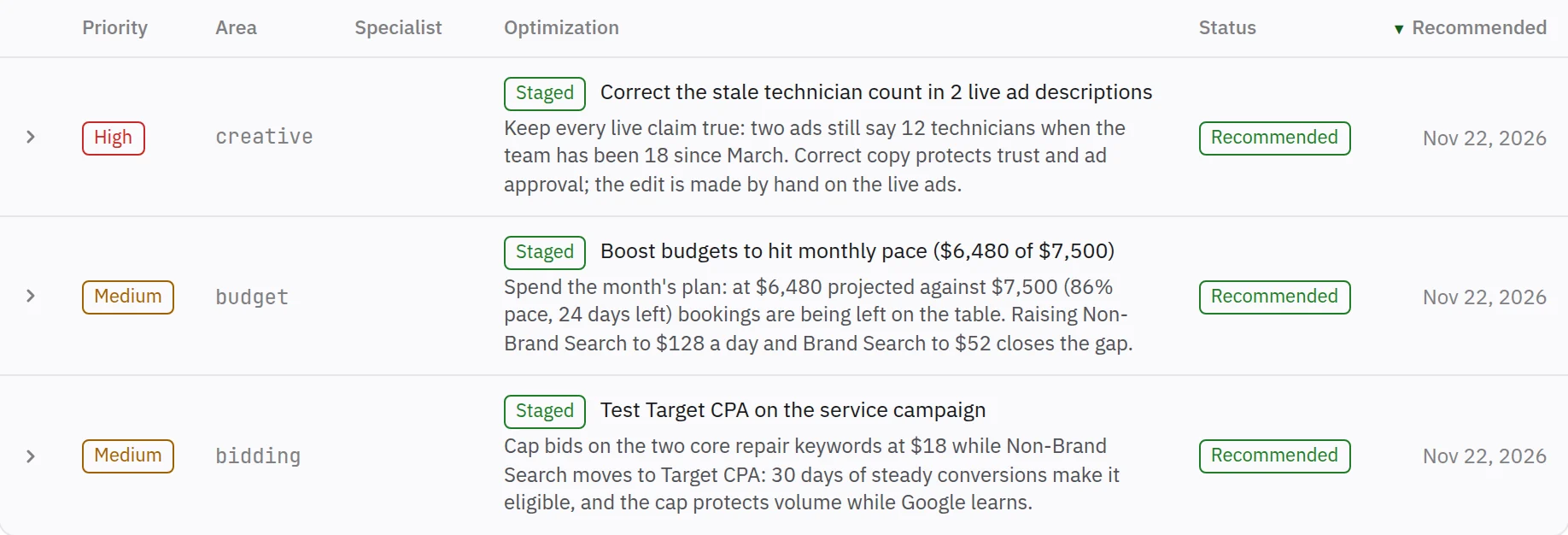
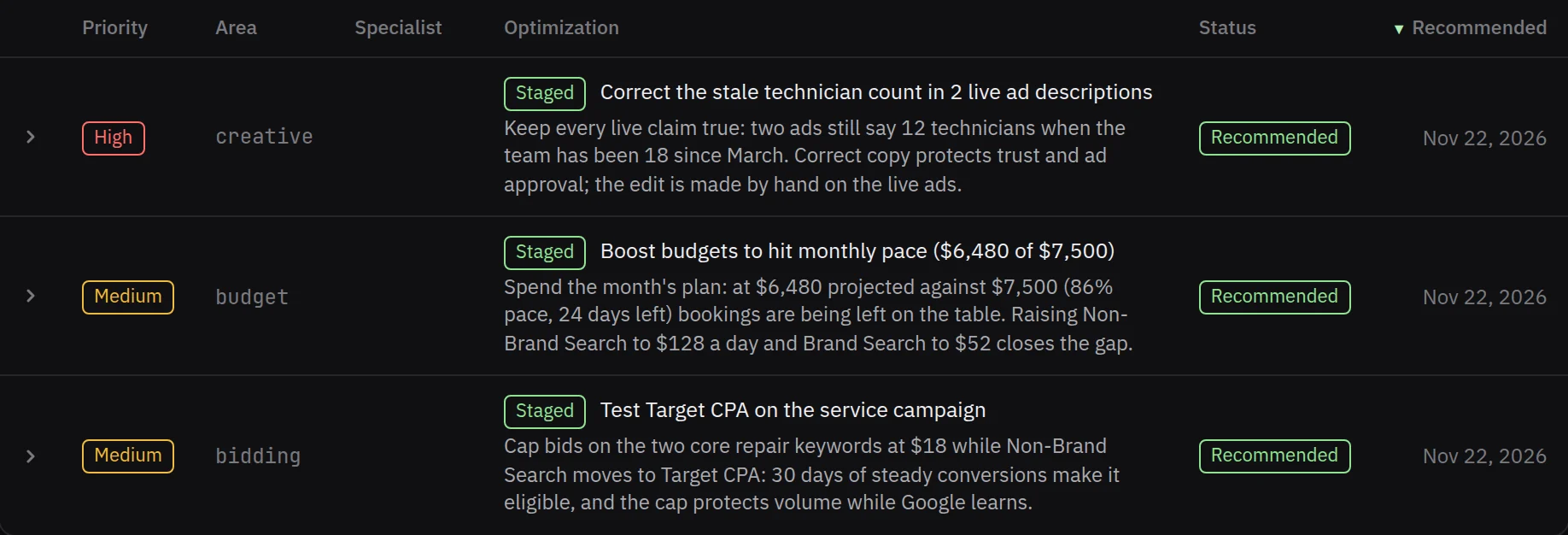
Finds campaigns bringing in sales or leads that their bidding target is holding back, and recommends the next target for each. Tick a campaign, check the number and change it from the SarrisBuilt platform. Undo puts the old target back.
// the portal, on a fictional account
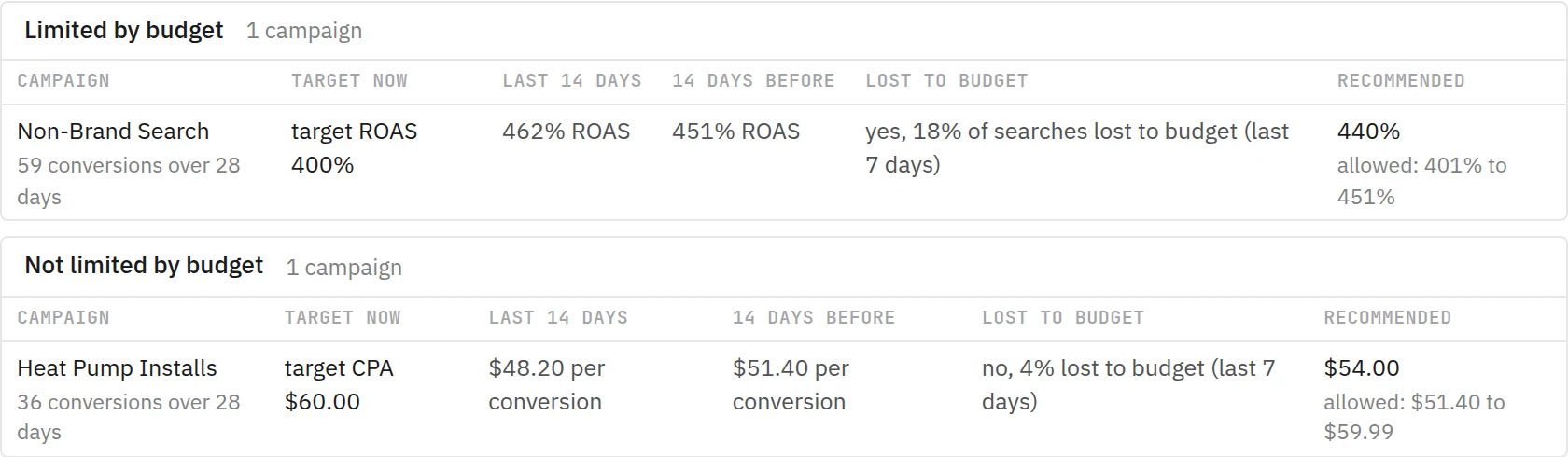
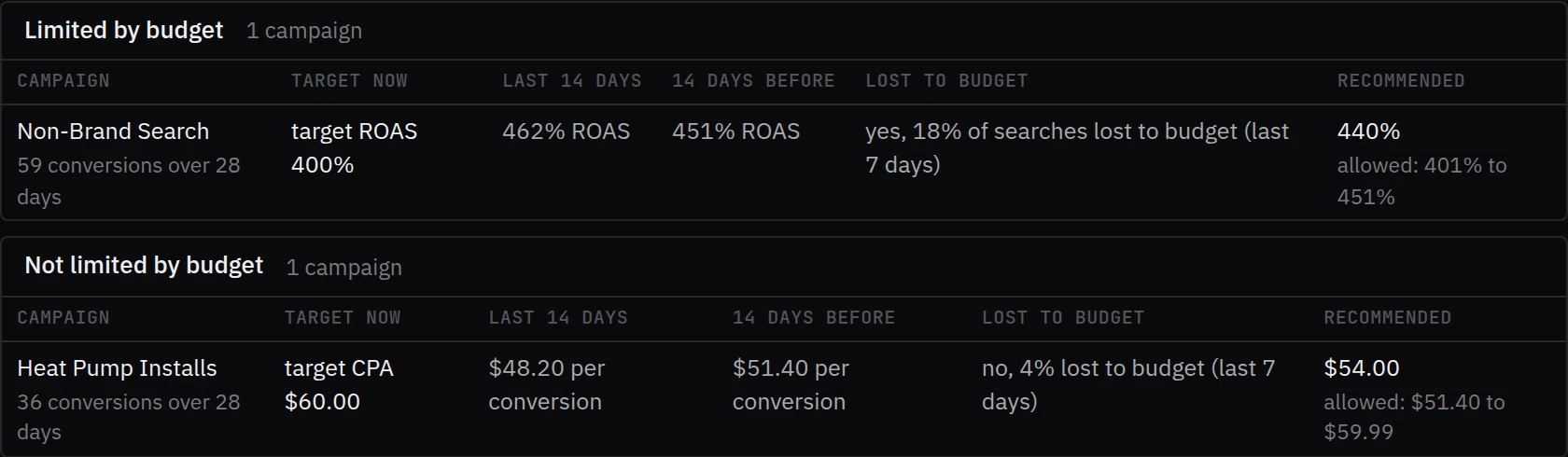
Room to grow where the account already pays off.
writes your ads
Drafts new ad copy and corrects existing ads, using your brand profile. New ads start paused for your review.
// the portal, on a fictional account
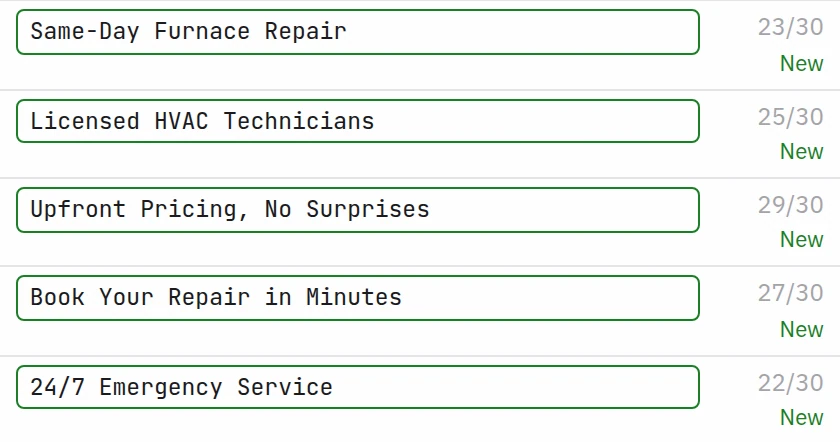
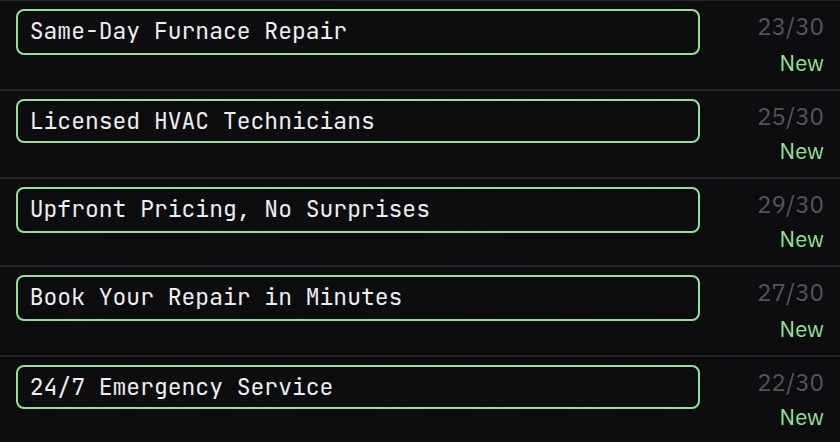
Fresh ads without starting from a blank page.
explains every change
Each change comes with the reason and the data behind it.
// the portal, on a fictional account
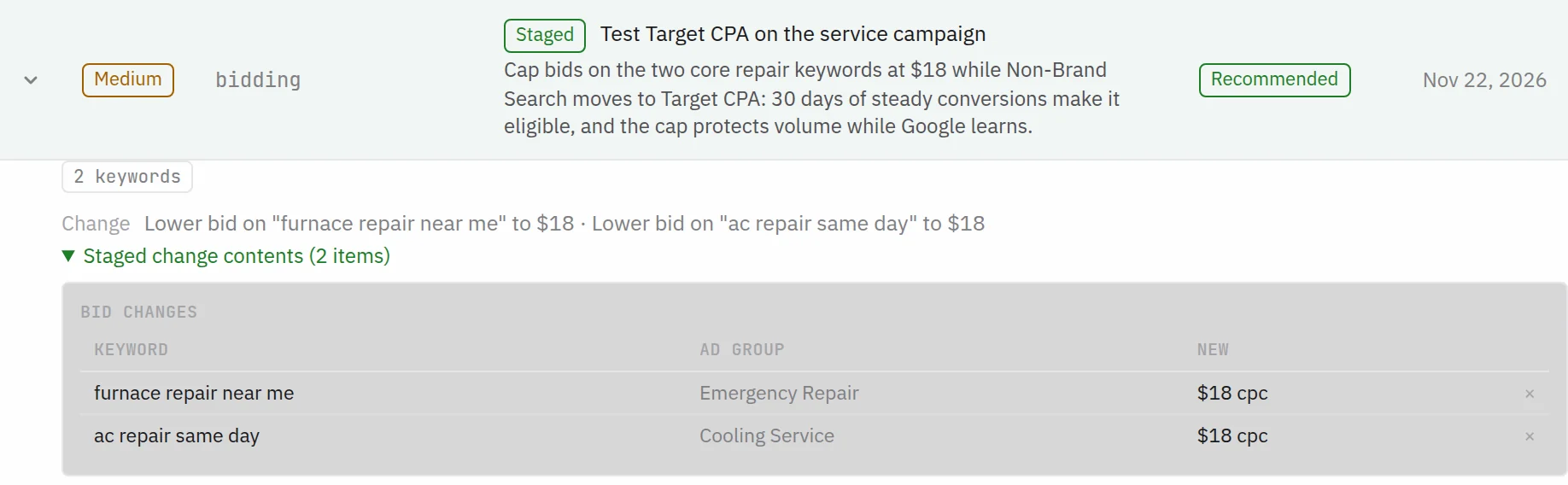
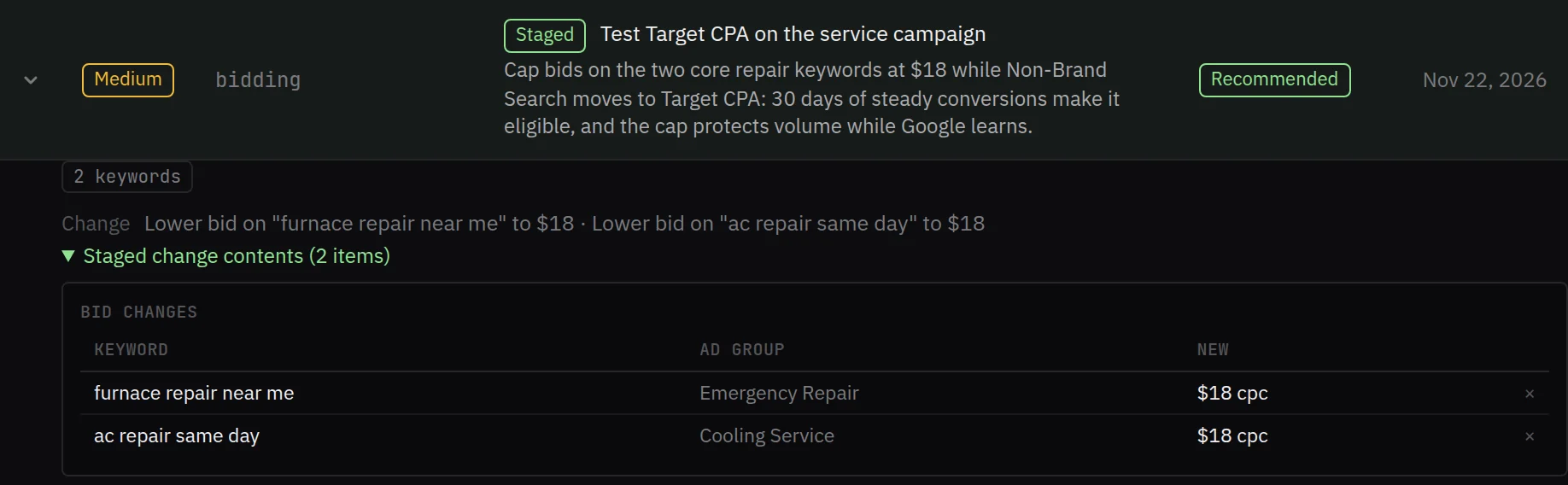
You stay in control and learn the account as you go.
writes the report
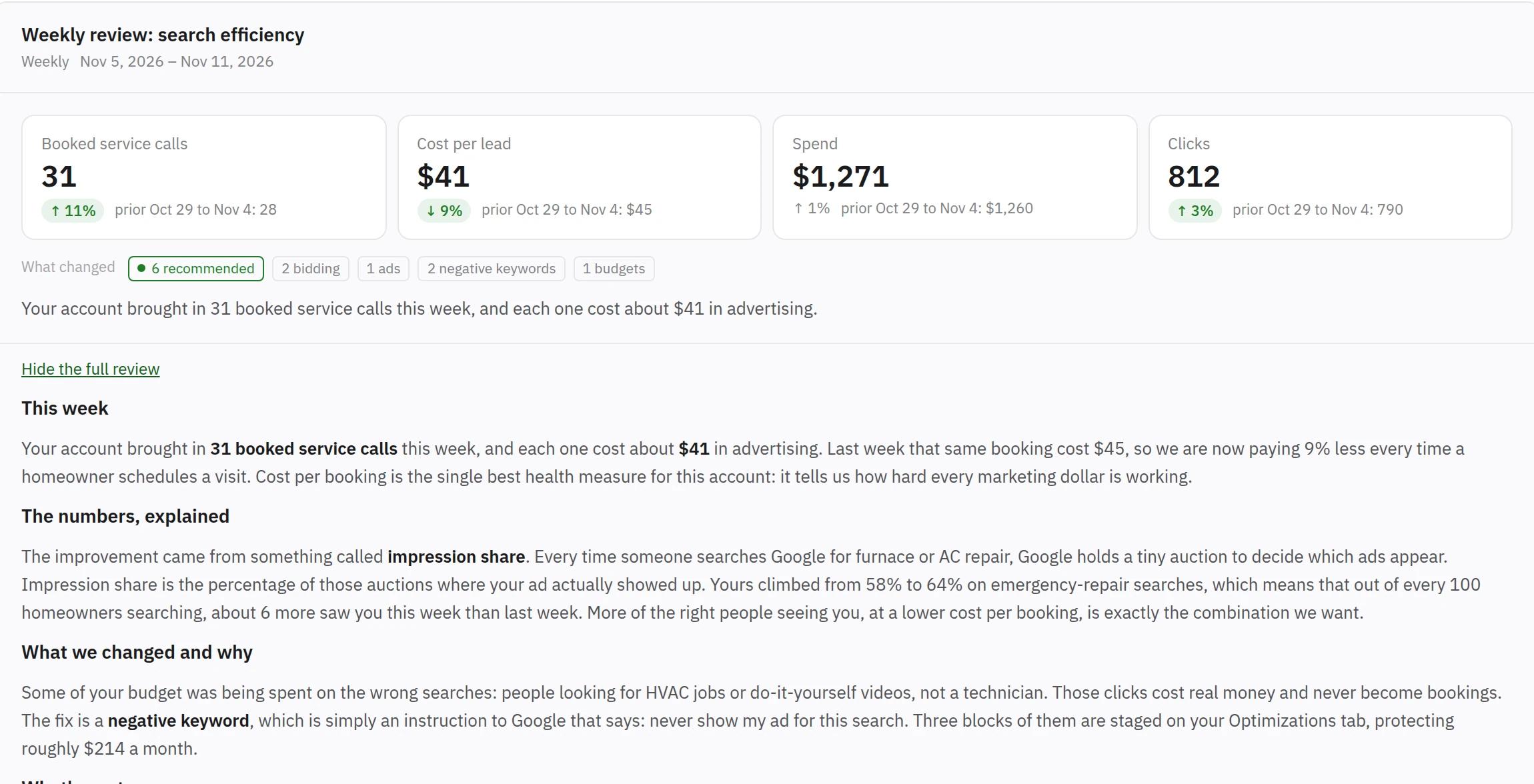
Every cycle, a plain-English report: what changed, what it means and what comes next.
// the portal, on a fictional account
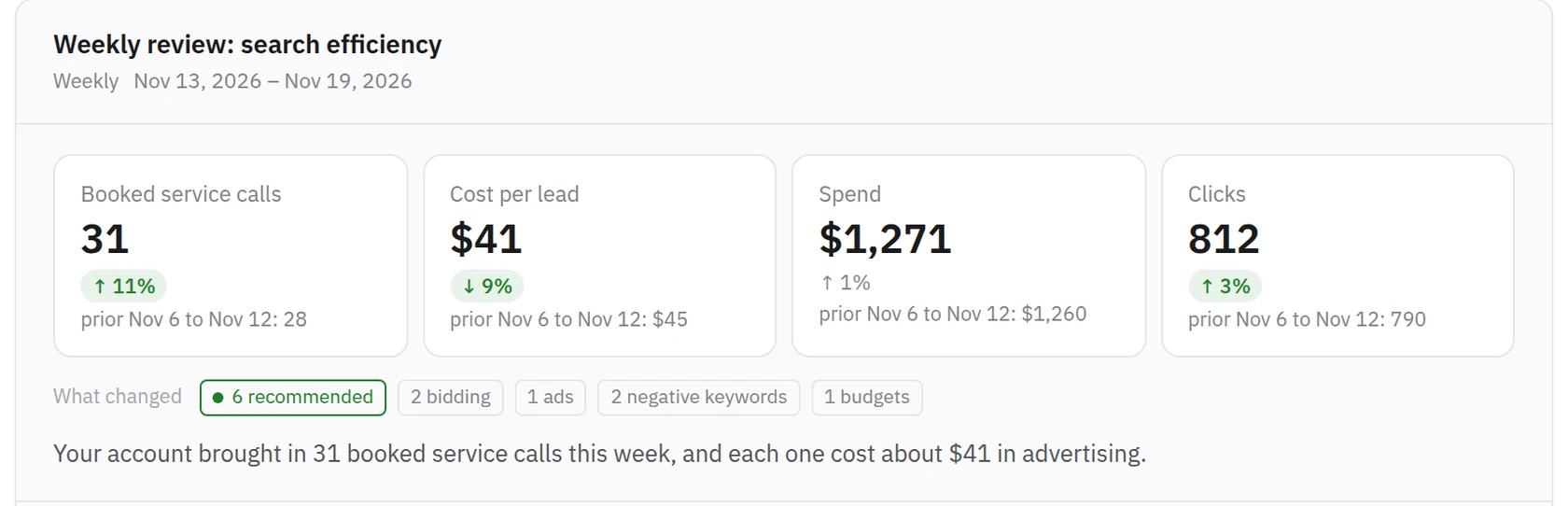
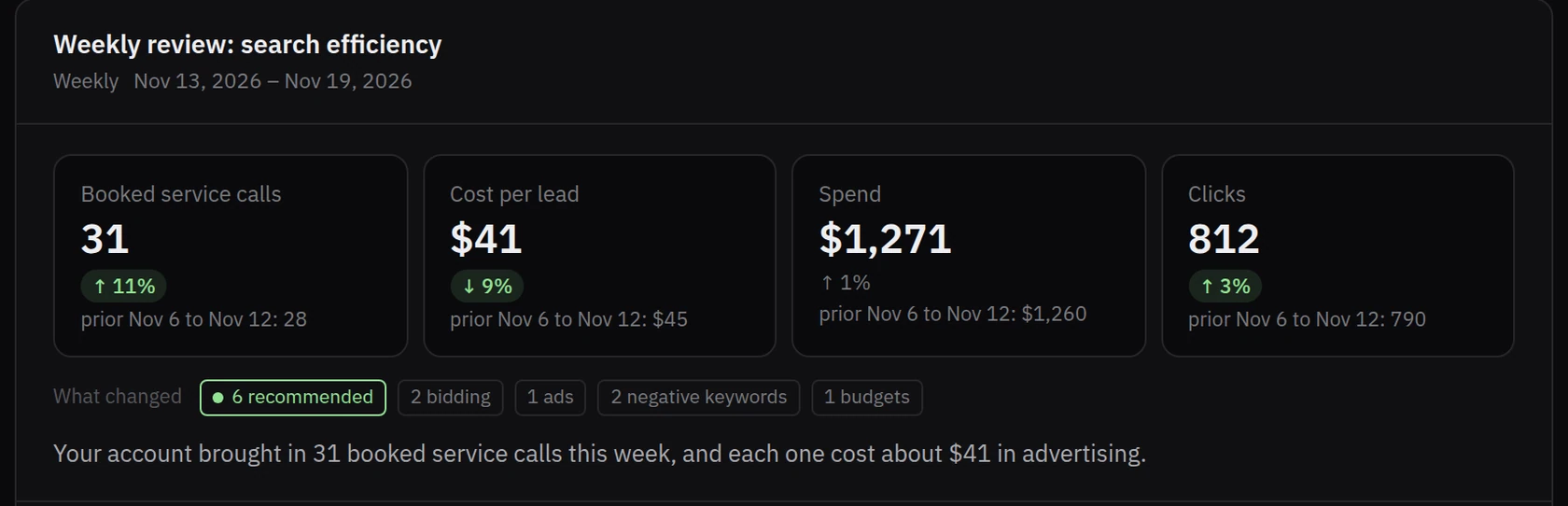
The report is written for you, every cycle.
[ the engine ]
watch. find. apply. // on repeat.
- 01
watch
Reads your Google Ads account on a set schedule, so nobody has to remember to check it.
- 02
find
Works out what should change in your keywords, negatives, ads and bidding targets, with the reason for each.
- 03
apply
Choose the fixes you want and apply them to Google Ads. Budgets you change there yourself.
- 04
report
Writes up what changed, why, and what it did, in plain English.
TrueNorth Heating & Air
[ The Sandbox ]
run the whole portal yourself.
A sandbox account with fictional data. Every change in it is simulated, so nothing you do there can touch a real account. No sign-up: tell us who you are and it opens.
two-hour session, reset nightly
[ How It Works ]
set it up once.
// three quick steps.
Request access, tell it about your business, connect your accounts. From there the first scan runs on its own, and you get an email when your list of changes is ready. Steps two and three show the portal as it renders, on a fictional account.
- 01
you
request access
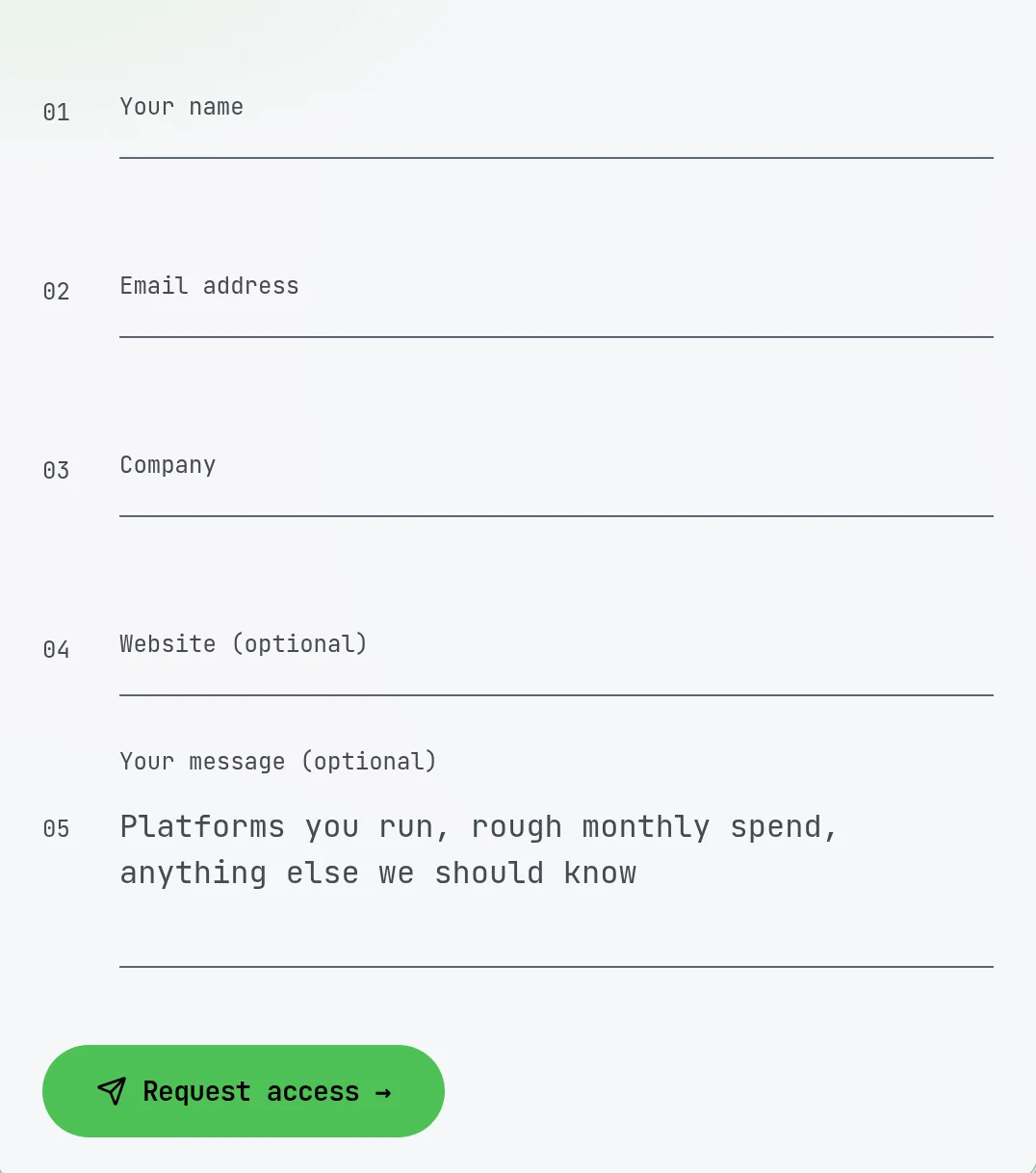
Tell us about your accounts. Once you have access, start with Google or a work email.
- 02
the engine reads, you check
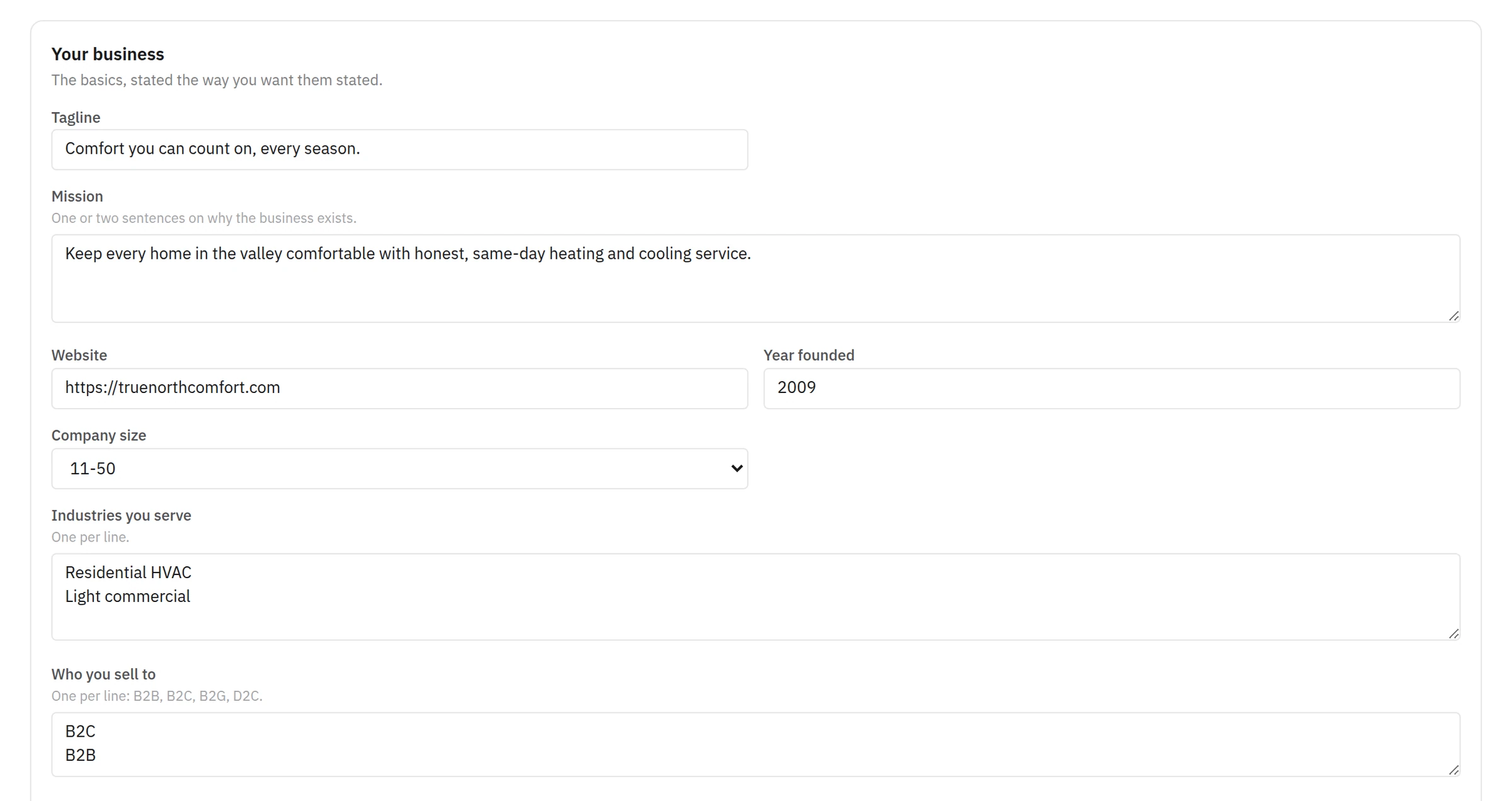
build your brand profile
Give it your website. It reads the site and fills in your business, services and tone while you watch; you fix what it got wrong, fill the gaps and list the words it should never use.
- 03
you
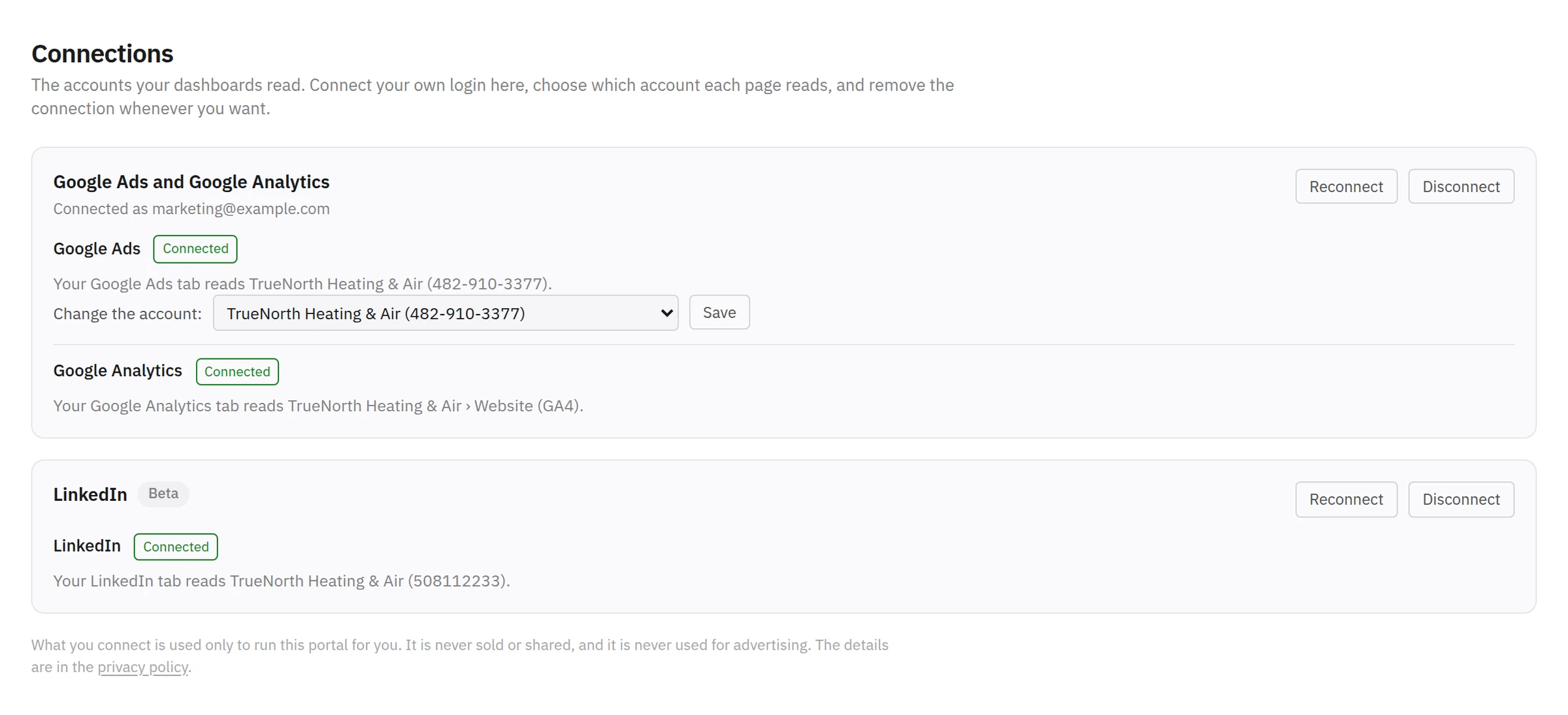
connect your platforms
Connect Google Ads and Analytics under your own login and pick the account. Its history loads, the first full scan starts on its own, and you get an email when it is ready.
[ Private Beta ]
request access to the beta.
Tell us about your accounts and we will get back to you by email.
[ The Scope ]
one engine.
// every channel.
Paid Media
Google Ads watched for waste, with LinkedIn and Meta in private beta. On Google Ads the SarrisBuilt platform sets the strategy and stages the change: bidding strategy and its targets, keywords promoted from proven search terms, negatives added and removed, ad copy written and edited, with budget pacing reviewed. Your team chooses each change and applies it, and each applied change has an Undo.
› 0-100 account health score + quick wins
› bidding strategy designed and staged, budget pacing reviewed
› search terms reviewed on scheduled runs or on demand
› keywords checked against real form fills, where your forms are connected
› every applied change can be reverted
› approvals and rejections steer the next run
Organic Search
Organic search read from your own analytics: sessions and top pages, next to your paid numbers. Content briefs are delivered as a service.
› organic sessions and top pages, from GA4
› form fills that carried a google ad click id, where your forms are connected
› content gaps → briefs, delivered as a service
Social
Facebook & Instagram read for you: what performed, and which days it performed on. Brief the engine and it drafts the posts, with your recent edits tuning the next ones. Your calendar lives in the portal, and scheduled posts publish to Facebook and Instagram when they are due.
› drafts written from a brief, tuned by your edits
› top posts ranked by what they did
› calendar: scheduled and sent
› daily snapshots keep your history past the API's window
Schema & AEO
Structured data tuned for how ChatGPT, Perplexity, Gemini, and AI Overviews read the web. Run a schema audit from the portal and get page-specific JSON-LD, validated and ready to hand to whoever runs your site. Putting it on the site, and the wider AEO work, is delivered as a service.
› schema audits: one page or a list of pages
› page-specific JSON-LD, validated before you ship it
› exports for your developer, CSV and JSON
› the goal: cited by name when a buyer asks an AI who to hire
› hovertap a channel to see what the engine does
The engine's agents read your brand profile when they analyze and draft: your positioning, your tone, the terms you never use. You can edit that profile yourself in the portal.
› your positioning and tone, on file
› banned terms given to the engine on every review
› edit your brand profile in the portal
Watch and report across the channels you connect. The apply loop runs on Google Ads today.
Request access[ Private Beta ]
request access.
// private beta.
Tell us about your accounts and we will get back to you by email.
[ FAQ ]
common questions.
// straight answers.
The SarrisBuilt platform is the marketing toolbox for paid media, organic acquisition and social media, built for stretched teams. On Google Ads it reviews your account, decides what should change, and stages each change with the reasoning attached. You tick the changes you want in a list and apply them, or open a card and confirm the change, and each review ends with a plain-English report. Strategy is part of the job: bidding strategy, budget pacing, keyword and negative policy, ad copy, and a prioritized health plan for the account. Nothing changes in your account until a person approves it.
Yes. Nothing goes live until one of your people decides it should. Every change is bounded, logged with its reasoning, and comes with a revert: bids, keyword adds and pauses, negatives added or removed, new ads, edits to existing ads, and bidding-strategy switches. Budget changes are not applied from the SarrisBuilt platform on an account you connected yourself; you make those in Google Ads. You see exactly what was sent to the account, per campaign and per keyword, and you can stop approving at any point.
Each recommended change lands in the SarrisBuilt platform with its reasoning. Negatives, keyword adds and pauses, and Scale targets come as tick lists: tick the ones you want and apply them. Other changes open as a card, where you can edit what is staged, then apply it and confirm. Every apply is logged with exactly what was sent. Some findings are judgment calls rather than a button, like a tracking gap or an account restructure; those arrive without an apply button, and your note in the thread steers the plan. Nothing goes live until a person approves it.
No. It is one login that sits on top of the team you already have, so there is nothing to install and nobody to hire. What it replaces is the outside retainer paying for this work today: the engine designs the moves and stages them with the reasoning, and your people decide what ships. If you pay no agency, nothing here assumes one.
Strategy and execution, both. On Google Ads it designs the bidding strategy, reviews budget pacing across campaigns, promotes proven search terms to keywords, sets negatives in both directions, drafts and edits ad copy, and scores the account 0 to 100 with a prioritized action plan. Standing instructions you write once ride along on every analysis run, and your recent approvals and rejections steer the next one. It also reports on your analytics and your leads where your forms are connected. LinkedIn ads, Meta ads and organic social are in private beta. Schema audits run from the SarrisBuilt platform, and AEO work is delivered as part of the service. The apply loop is live for Google Ads today.
Yes. Google Ads accounts get an Account Health Score: a mechanical audit across six weighted categories, from conversion tracking and wasted spend to account structure, keywords, ads, and settings, scored 0 to 100. It names the specific problems, leads with the quick wins tagged by the minutes they take, and tracks your score against the previous run. It refreshes after each analysis run. Fixes the platform can stage show up in the same apply queue, and the rest arrive as actions for your team.
Yes. Standing instructions are durable rules the engine's agents are told to follow on every run, like "never block searches for our product names"; you write them yourself in the portal. Leave a note on a staged change and an agent revises it to honor the note and replies in the thread. And your recent approvals and rejections, with their reasons, feed the next analysis, so it leans away from what you rejected and into what works.
You connect your own Google login on the Connections page and choose which ad account each page reads. Nothing is installed on your side. Access is granted through Google's own permissions; you can remove the connection in the portal or revoke it at Google at any time.